

🎨 Why an Artificial Intelligence Drawing App Helps Children With Motor Delays Build Real Confidence
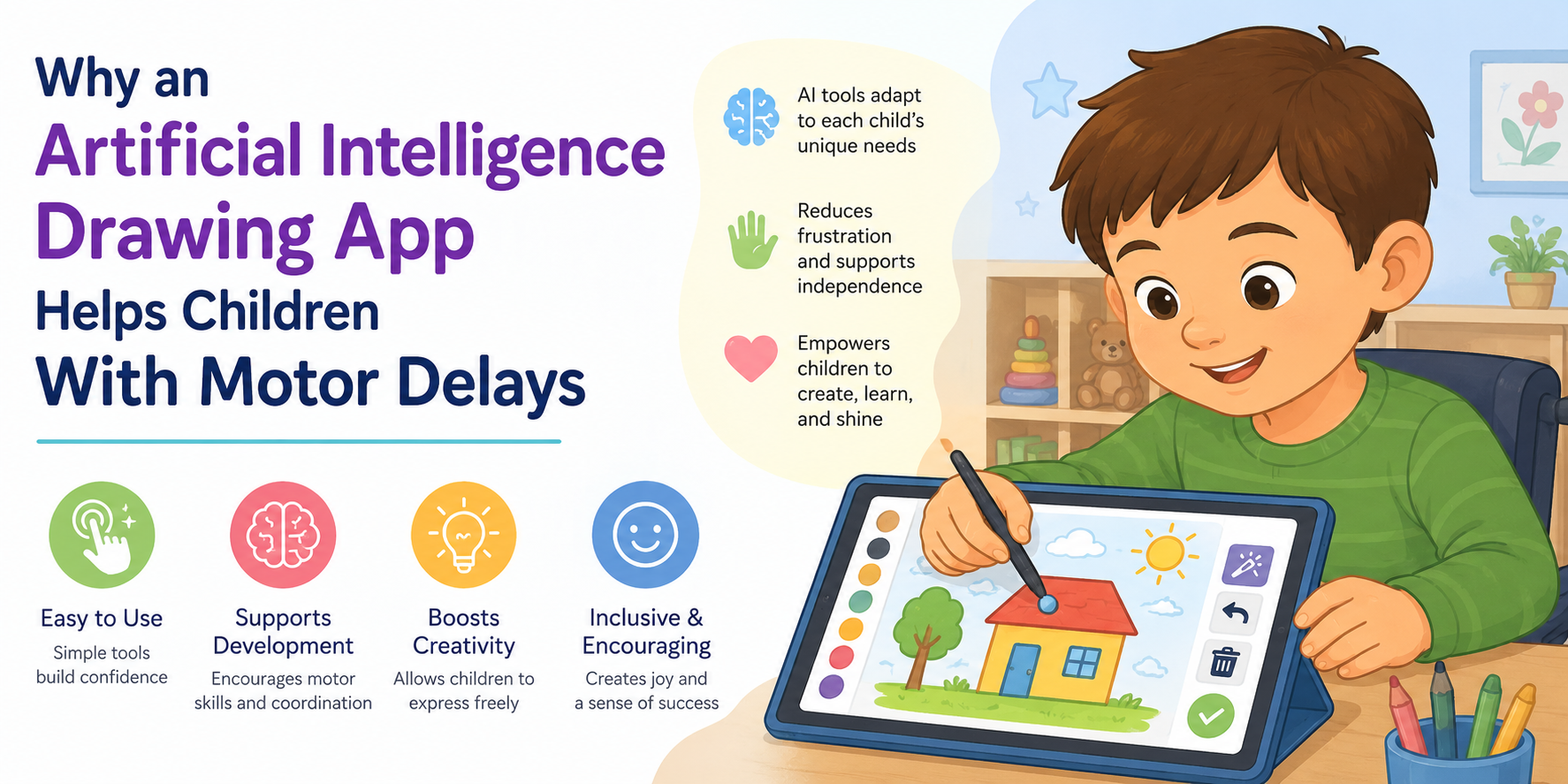
An Artificial Intelligence Drawing App transforms a child’s minimal hand movements or shaky tablet strokes into complete, polished pictures — and yes, this genuinely helps children with motor delays, because it separates the idea in a child’s mind from the physical execution their hands may struggle with, letting them finally see their creativity expressed exactly as they imagined it.
This guide explores the real science, the real tools, and the real emotional impact behind this growing area of assistive technology. 💛

- 🔍 What Is an Artificial Intelligence Drawing App?
- ✋ The Core Problem: When the Hand Cannot Keep Up With the Mind
- 📊 The Numbers: Motor Delays, Fine Motor Challenges, and Disability Prevalence
- 🤖 How an Artificial Intelligence Drawing App Actually Works
- 💛 The Confidence Connection: Why Finished Art Matters So Much
- 🌍 Real-World Application: AI Art as Accessible Creative Expression
- ✅ How to Choose the Right Artificial Intelligence Drawing App for Your Child
- 🔍 What You Must Not Miss About This Topic
- 1. 🔬 The Technical “Why” Is Almost Never Explained for a Parent Audience
- 2. 🗣️ Alternative Input Methods Are Rarely Connected to Drawing Specifically
- 3. 🧠 The Direct Link to Documented Self-Esteem Research Is Missing
- 4. 🎯 The Distinction Between “Replacing” Motor Skill Practice and “Complementing” It Is Rarely Made Clear
- 💙 A Parent’s Story: The First Picture She Was Proud Of
- ❓ FAQs About AI Drawing Apps and Motor Delays
- Q: How does an AI drawing app help children with motor delays?
- Q: Can children with cerebral palsy use AI drawing apps?
- Q: Do AI drawing apps replace occupational therapy for fine motor skills?
- Q: What age is appropriate for a child to start using an AI drawing app?
- Q: How does stroke calibration technology work in AI drawing apps?
- Q: Are there AI drawing tools that work with voice commands instead of drawing?
- Q: Can an AI drawing app help improve a child’s confidence and self-esteem?
- 🔗 Trusted Resources for Families
- 💙 Final Thoughts: Every Idea Deserves to Be Seen
🔍 What Is an Artificial Intelligence Drawing App?
An Artificial Intelligence Drawing App is a digital tool that uses machine learning to interpret a person’s rough sketch, gesture, or stroke input and transform it into a complete, polished image. Instead of requiring perfectly steady lines, precise shapes, or fine motor control, these tools analyse the intent behind a mark and generate a finished visual that reflects it.
This technology is not theoretical or experimental — it is already widely available. AI sketch-to-image tools can turn drawings into realistic AI images in seconds, transforming even simple sketches into complete visual outputs. (Source: Canva — AI Sketch to Image, 2026) Similar tools across the industry, including platforms like NewArc.ai, work on the same fundamental principle: a rough input becomes a refined, complete output.
For most users, this technology is a creative convenience. For a child with motor delays, it can be something far more profound: a way to finally close the gap between imagination and physical ability.
✋ The Core Problem: When the Hand Cannot Keep Up With the Mind
To understand why an Artificial Intelligence Drawing App matters so deeply for children with motor delays, it helps to understand the specific, well-documented challenge these children face.
Fine motor skills enable a child to be independent with tasks like dressing, feeding, and participating in classroom activities, and proficient skills in this area contribute to confidence and a strong academic foundation.
Children who struggle with these skills can find it hard to colour within the lines, handle small objects, or write legibly — challenges that can lead to low self-esteem, academic delays, and behavioural issues. (Source: Therapy Smarts — Fine Motor Skill Delays in Children, 2025)
This connection between motor skill struggles and self-esteem appears consistently across the research. Fine motor impairments can lead to academic underachievement, low self-esteem, and frustration in affected children, yet fine motor deficiencies have remained widely undertreated. (Source: PMC — Fine Motor Training in Children With ADHD, Scoping Review)
This is the exact gap an Artificial Intelligence Drawing App is uniquely positioned to address. Traditional art-making demands precise, sustained, fine motor control — the very skill many of these children find most difficult. An AI drawing tool removes that specific barrier, while preserving everything that actually matters about the creative act: the child’s idea, their intention, and their choice.
📊 The Numbers: Motor Delays, Fine Motor Challenges, and Disability Prevalence
| Statistic | Figure | Source |
|---|---|---|
| US children with ADHD experiencing motor problems | 30–52% | PMC — Fine Motor Training and ADHD Scoping Review |
| US prevalence of ADHD in children (2018–2021) | 9.57% | Frontiers in Pediatrics — Fine Motor Performance Across Disabilities, 2024 |
| US prevalence of autism spectrum disorder (2018–2021) | 2.94% | Frontiers in Pediatrics, 2024 |
| US prevalence of intellectual disability (2018–2021) | 1.72% | Frontiers in Pediatrics, 2024 |
| US prevalence of other developmental delay (2018–2021) | 5.24% | Frontiers in Pediatrics, 2024 |
| Children under 5 in institutional care with fine motor delay | 50.87% | ScienceDirect — Motor Development Delays Study, 2025 |
| PreK-3 teachers reporting fine motor skills (pencils, scissors) more challenging for students | 77% | Education Week Survey, cited in Mother.ly, 2025 |
| Study sample size in young children’s fine motor comparison study | 1,897 children under age 6 | PMC — Fine Motor Performance Comparison Study, 2024 |
💡 What this tells parents: Fine motor challenges affecting drawing, writing, and hands-on creative tasks are genuinely widespread among children with developmental differences — not a rare or isolated concern. This is precisely why accessible creative tools, including an Artificial Intelligence Drawing App, represent such a meaningful and timely development.
🤖 How an Artificial Intelligence Drawing App Actually Works
Understanding the underlying technology helps parents appreciate exactly why this tool is so well-suited to children with motor delays specifically.
🖊️ Stroke Calibration and Completion
The core technical capability behind most AI drawing tools is something researchers call stroke calibration and completion. A Stroke Calibration Network can act as a pre-processing module for real-world sketches, calibrating unreasonable strokes and adding necessary details.
When a sparse, free-hand sketch containing imprecise strokes is fed directly into an image generation model, results can be distorted — but a calibrated, refined version of that same rough sketch produces a significantly improved, more recognisable result. (Source: arXiv — Cali-Sketch: Stroke Calibration and Completion Research)
In plain terms: the AI is specifically designed to take an imperfect, shaky, or incomplete input and intelligently “fill in the gaps” — exactly the function a child with limited fine motor control needs most.
🧩 Shape and Pattern Completion
This capability extends even further. In everyday visual perception, both humans and generative AI models make inferences to complete partially obscured or incomplete shapes, using both low-level visual cues and higher-level semantic knowledge to predict the most plausible complete form. (Source: bioRxiv — Human and Generative AI Shape Completion Research, 2025)
This means an Artificial Intelligence Drawing App is not simply “cleaning up” a child’s drawing — it is intelligently interpreting the child’s intended shape, much the way a human viewer naturally would, and rendering a complete, polished version of that intention.
💛 The Confidence Connection: Why Finished Art Matters So Much
This is the heart of why an Artificial Intelligence Drawing App matters so profoundly for children with motor delays — and it goes well beyond simple convenience.
Children with fine motor challenges frequently experience a painful, repeated pattern: they have a clear creative idea, attempt to express it through drawing, and the physical result does not match their internal vision. Over time, this gap between intention and execution can become genuinely discouraging.
By addressing a child’s specific needs, therapy and supportive tools do not just build motor skills — they help develop confidence, promote independence, and ensure children are ready to thrive. (Source: Therapy Smarts, 2025)
An Artificial Intelligence Drawing App offers something genuinely unique within this confidence-building picture: it allows a child to experience the full creative cycle — idea, attempt, completed result, pride — even while their fine motor skills are still developing through therapy and practice elsewhere. The art-making experience does not need to wait for the motor skills to catch up.
🌟 What This Looks Like in Practice
| Without AI Assistance | With an Artificial Intelligence Drawing App |
|---|---|
| Child attempts to draw a sun; result is a shaky, incomplete circle | Child’s rough circular gesture becomes a complete, polished, recognisable sun |
| Frustration builds when the drawing does not match the child’s vision | Child sees their actual idea reflected clearly in the finished image |
| Child may avoid drawing activities altogether over time | Child is more likely to want to try again, since the experience ends in success |
| Drawing feels like a test of physical ability | Drawing feels like a genuine act of creative expression |
🌍 Real-World Application: AI Art as Accessible Creative Expression
AI image generation offers unprecedented accessibility for individuals with significant physical limitations. Traditional art forms such as painting, sculpting, or sketching often demand a level of accurate fine and gross motor skills, sustained grasp, or specific physical movements that can inadvertently exclude a significant portion of the disability population.
AI tools can bypass these conventional requirements by allowing users to input their creative ideas through text prompts, voice commands, or other accessible interfaces. (Source: Occupational Therapy Australia — Artistic Expression for People With Disability, 2025)
One particularly striking real-world example illustrates exactly how far this accessibility can extend. An individual with severe motor impairments used an eye-gaze device to craft a text prompt describing their internal experience of living with such limitations, then submitted this to an AI platform to generate a visual representation of that deeply personal narrative. (Source: OT Australia, 2025)
This example matters enormously for understanding the full spectrum of how an Artificial Intelligence Drawing App can support children with motor delays. For some children, this means transforming shaky physical strokes into completed images. For others — particularly children with more significant motor limitations — it may mean using voice, eye-gaze, or alternative input methods entirely, with AI generating the visual output based on described intention rather than physical mark-making at all.
The unifying principle remains the same: creativity and physical capability are being deliberately, meaningfully separated, so that one no longer limits the other.
✅ How to Choose the Right Artificial Intelligence Drawing App for Your Child

With multiple AI drawing tools now available, here is a practical framework for selecting the right option for your child’s specific needs.
| Consideration | What to Look For |
|---|---|
| Input flexibility | Does the tool accept simple gestures, rough shapes, or minimal strokes — not just precise lines? |
| Speed of output | Does the child see a result quickly, maintaining engagement and motivation? |
| Simplicity of interface | Is the app free of overwhelming menus, settings, or steps that could frustrate a young or motor-impaired user? |
| Alternative input support | Does the platform support voice, switch access, or eye-gaze input for children with more significant motor limitations? |
| Age-appropriateness | Is the visual style and content output suitable for your child’s age and interests? |
| Privacy and safety | Does the app have clear, transparent data and privacy policies appropriate for children’s use? |
Practical tip: Start with the simplest possible task — a single shape, a single gesture, a single word prompt. Let your child experience an early, easy success before introducing more complex creative requests. This mirrors the same principle of graded, confidence-building progression used throughout occupational therapy practice.
🔍 What You Must Not Miss About This Topic
Here is what you should not genuinely miss about “AI drawing apps”:
1. 🔬 The Technical “Why” Is Almost Never Explained for a Parent Audience
Most parenting articles simply say AI drawing tools are “cool” or “fun” without explaining the actual underlying mechanism — stroke calibration and shape completion — that makes them specifically useful for motor-impaired hands. Understanding that the technology is specifically designed to calibrate unreasonable strokes and add necessary missing detail (Source: arXiv, Cali-Sketch Research) gives parents genuine insight into why this works, not just that it works.
2. 🗣️ Alternative Input Methods Are Rarely Connected to Drawing Specifically
Voice input, eye-gaze devices, and switch access are well-documented assistive technologies in general disability contexts. Very few resources specifically connect these input methods to creative drawing and art-making for children, despite this being a powerful, emerging application area directly relevant to many special needs families.
3. 🧠 The Direct Link to Documented Self-Esteem Research Is Missing
Most “fun app” roundups never connect their recommendations back to peer-reviewed findings about motor delays and self-esteem. This guide’s direct citation of documented research linking fine motor struggles to academic underachievement, low self-esteem, and frustration (Source: PMC, ADHD Fine Motor Scoping Review) gives this technology genuine clinical and emotional context that purely product-focused articles lack entirely.
4. 🎯 The Distinction Between “Replacing” Motor Skill Practice and “Complementing” It Is Rarely Made Clear
This is an important nuance: an Artificial Intelligence Drawing App is not a substitute for occupational therapy or fine motor skill-building activities. It is a complementary creative outlet that allows confidence and creative expression to flourish alongside ongoing motor development — not instead of it. Few articles make this distinction explicit, risking the impression that AI tools are meant to replace therapeutic intervention rather than support a child’s broader emotional wellbeing alongside it.
💙 A Parent’s Story: The First Picture She Was Proud Of
Layla, age seven, has cerebral palsy affecting fine motor control in both hands. For years, art class had been a source of quiet dread rather than joy.
“She loved the idea of drawing,” her mother Yasmin explains. “She would describe these elaborate pictures in her head — a castle with a dragon, a garden full of specific flowers. But when she tried to actually draw it, her hand would not cooperate the way she needed it to. The page never matched what was in her mind. She started refusing to bring her drawings home from school.”
A occupational therapist suggested trying an AI sketch-to-image tool as a supplementary creative outlet, separate from Layla’s ongoing fine motor therapy work.
“The first time, she drew this really rough, shaky circle with two smaller shapes near it,” Yasmin recalls. “It barely looked like anything to me. But the app turned it into this beautiful, complete sun with a smiling face, exactly like something out of a storybook. She stared at the screen for a long moment. Then she said, very quietly, ‘That’s what I meant.'”
Yasmin describes what followed as a genuine shift. “She started asking to draw again. Not instead of her therapy exercises — she still does those, and we are still working hard on her grip and her control. But this gave her something her hands could not give her alone: the actual experience of seeing her ideas become real pictures.”
Months later, Layla created her castle with the dragon — sketched in rough, imprecise shapes, transformed by the app into the detailed scene she had been describing for years.
“She printed it out and put it on her wall,” Yasmin says. “It was the first piece of art she was ever proud enough to want to keep.”
❓ FAQs About AI Drawing Apps and Motor Delays
Q: How does an AI drawing app help children with motor delays?
An AI drawing app uses machine learning to interpret a child’s rough strokes, gestures, or shapes and transform them into complete, polished images. This separates a child’s creative intention from the precise physical execution that fine motor delays can make difficult, allowing children to experience the full satisfaction of creative expression regardless of their current motor skill level.
Q: Can children with cerebral palsy use AI drawing apps?
Yes. Many AI drawing tools are specifically well-suited to children with cerebral palsy and similar motor conditions, since they are designed to interpret imprecise or shaky input and generate refined, complete results. For children with more significant motor limitations, alternative input methods such as voice commands or eye-gaze devices can also be used alongside AI image generation platforms.
Q: Do AI drawing apps replace occupational therapy for fine motor skills?
No. An AI drawing app is a complementary creative tool, not a replacement for occupational therapy or fine motor skill-building exercises. It is best used alongside ongoing therapeutic work, offering children a confidence-building creative outlet while their fine motor skills continue developing through dedicated practice and intervention.
Q: What age is appropriate for a child to start using an AI drawing app?
There is no strict minimum age, since these tools are designed to interpret very simple gestures and shapes. The right starting point depends on your individual child’s cognitive readiness, interest in creative activities, and comfort using a tablet or device, rather than a fixed age requirement.
Q: How does stroke calibration technology work in AI drawing apps?
Stroke calibration technology analyses rough, imprecise, or incomplete strokes and intelligently refines them into clearer, more complete shapes before generating a final image. This pre-processing step is specifically what allows AI drawing apps to produce polished results even from very shaky or minimal physical input.
Q: Are there AI drawing tools that work with voice commands instead of drawing?
Yes. Some AI image generation platforms allow users to describe their creative ideas through text or voice prompts rather than physical drawing at all, making them accessible to children and individuals with significant physical limitations who may use alternative input methods such as eye-gaze devices or speech-to-text technology.
Q: Can an AI drawing app help improve a child’s confidence and self-esteem?
While AI drawing apps themselves are not formal therapeutic interventions, research consistently links fine motor struggles to lower self-esteem and frustration in children. By allowing children to successfully complete and take pride in creative work despite motor challenges, these tools can provide a meaningful, positive creative experience that supports overall emotional wellbeing alongside other developmental support.
🔗 Trusted Resources for Families
| Resource | What It Offers | Link |
|---|---|---|
| 🎨 Canva AI Sketch to Image | Free, accessible AI sketch-to-image tool | canva.com/features/ai-sketch-and-draw |
| 🖼️ NewArc.ai | AI sketch-to-photo and visualization platform | newarc.ai |
| ♿ Cerebral Palsy Foundation — Accessible Technology Updates | Ongoing coverage of AI and assistive technology innovation | cpresource.org |
| 🧑⚕️ Occupational Therapy Australia — AI and Creative Accessibility | Professional OT perspective on AI art accessibility | otaus.com.au |
| 📊 NCBI — Fine Motor Disability Overview (StatPearls) | Clinical overview of fine motor disability | ncbi.nlm.nih.gov/books/NBK563266 |
| 🏫 American Occupational Therapy Association | Professional OT resources and provider directory | aota.org |
💙 Final Thoughts: Every Idea Deserves to Be Seen
For a child with motor delays, the gap between what they imagine and what their hands can currently produce is not a small thing. It touches confidence, identity, and the simple, universal childhood joy of making something and being proud of it.
An Artificial Intelligence Drawing App does not fix motor delays, and it should never be framed as a substitute for the dedicated therapy work that genuinely builds those physical skills over time. But it offers something equally valuable in its own right: a way for a child’s full creative imagination to be seen, completed, and celebrated — exactly as they pictured it — starting today, not someday.
Sometimes confidence does not wait for the skill to fully develop. Sometimes it begins the moment a child finally sees their own idea looking back at them from the screen, complete and unmistakably theirs. 💛
📝 This article is for informational and educational purposes only. AI drawing app features, availability, and capabilities may change over time; always verify current functionality directly with each platform. This content does not replace guidance from your child’s occupational therapist or other qualified healthcare professionals regarding fine motor skill development.


