

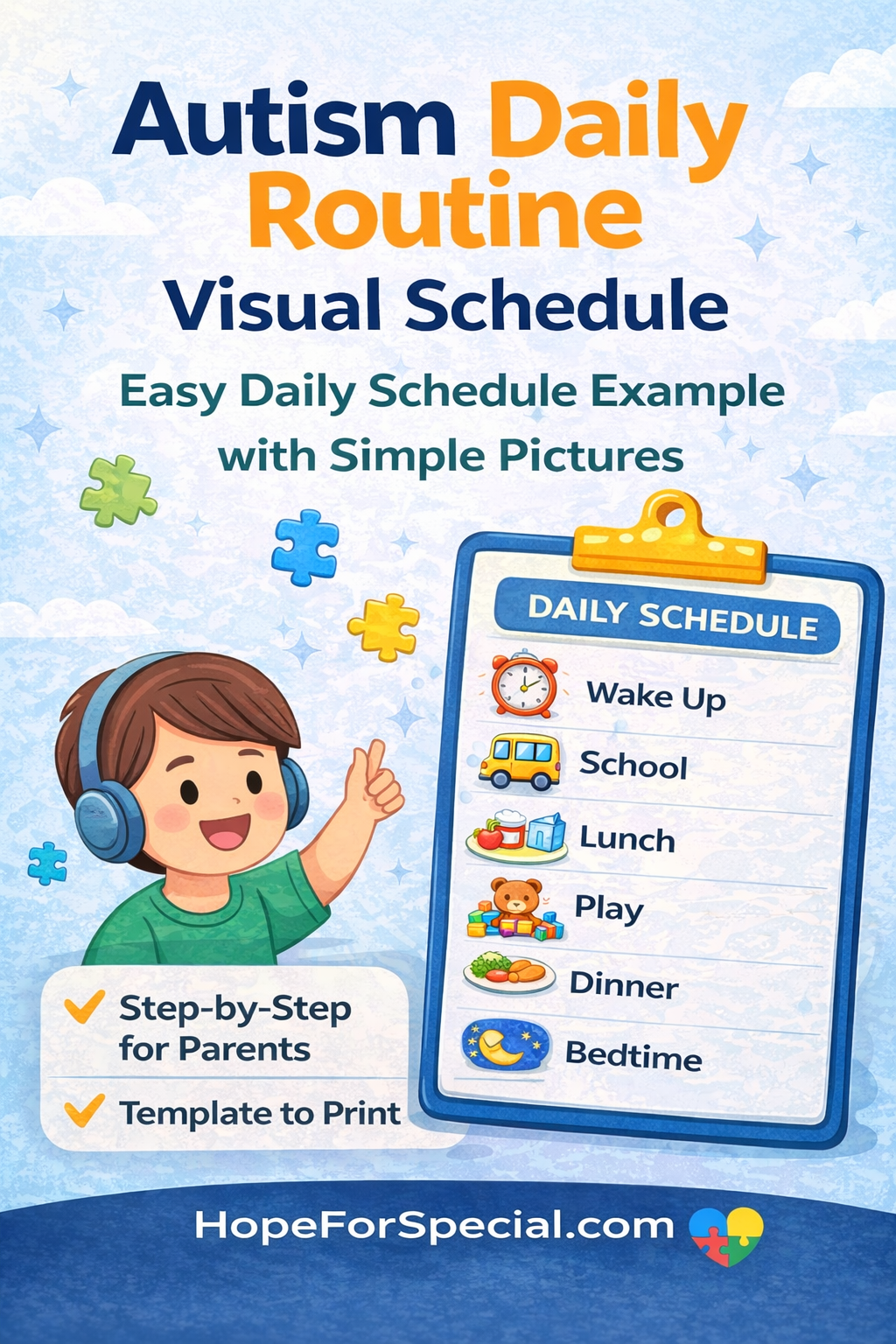
Autism Daily Routine Visual Schedule Example (2026 Step-by-Step Guide for Parents)
Creating a daily routine for a child with autism can feel challenging at first. However, a visual schedule can make things much easier.
Children with autism often prefer structure. They also respond well to visual cues. So, when you combine routine with visuals, you create a powerful support system.
In this guide, you will learn a complete autism daily routine visual schedule example, along with tips, tables, and expert advice.

- What Is an Autism Daily Routine Visual Schedule?
- Why Visual Schedules Work for Autism
- Types of Visual Schedules
- Autism Daily Routine Visual Schedule Example (Full Day)
- 🌅 Morning Routine (6:30 AM – 9:00 AM)
- 📚 School / Learning Time (9:00 AM – 12:00 PM)
- 🍽️ Afternoon Routine (12:00 PM – 3:00 PM)
- 🎨 Evening Routine (3:00 PM – 7:00 PM)
- 🌙 Night Routine (7:00 PM – 9:00 PM)
- Step 1: List Daily Activities
- Step 2: Break Tasks into Small Steps
- Step 3: Choose Visuals
- Step 4: Arrange in Order
- Step 5: Display the Schedule
- Step 6: Teach and Practice
- Step 7: Stay Consistent
What Is an Autism Daily Routine Visual Schedule?
A visual schedule is a tool that uses pictures, icons, or symbols to show daily activities.
Instead of only telling your child what to do, you show them.
For example:
- A picture of a toothbrush = brushing teeth
- A school icon = school time
According to experts, visual supports help children with autism understand expectations and reduce anxiety.
https://www.autismspeaks.org/tool-kit-excerpt/visual-supports-and-autism

Why Visual Schedules Work for Autism
Visual schedules are highly effective because they match how many autistic children process information.
Key Benefits:
✔ Reduce anxiety
✔ Improve transitions
✔ Increase independence
✔ Support communication
Research highlights that structured visual routines improve behavior and learning outcomes.
https://www.cdc.gov/autism/index.html
Types of Visual Schedules
Not all schedules look the same. You can choose what works best.
Table: Types of Visual Schedules
| Type | Description | Best For |
|---|---|---|
| Picture Schedule | Uses real images or icons | Younger children |
| Written Schedule | Uses simple words | Older children |
| First-Then Board | Shows 2 steps only | Beginners |
| Digital Schedule | Apps or tablets | Tech-friendly kids |
| Object Schedule | Uses real objects | Children with severe needs |
Autism Daily Routine Visual Schedule Example (Full Day)
Below is a simple and practical example.
🌅 Morning Routine (6:30 AM – 9:00 AM)
| Time | Activity | Visual Example |
|---|---|---|
| 6:30 AM | Wake up | Bed icon |
| 7:00 AM | Brush teeth | Toothbrush image |
| 7:15 AM | Get dressed | Clothes icon |
| 7:30 AM | Breakfast | Food image |
| 8:00 AM | Pack bag | Backpack icon |
| 8:30 AM | Leave for school | Bus icon |
👉 Tip: Keep mornings calm and predictable.
📚 School / Learning Time (9:00 AM – 12:00 PM)
| Time | Activity | Visual Example |
|---|---|---|
| 9:00 AM | Classroom time | School icon |
| 10:30 AM | Break time | Play icon |
| 11:00 AM | Learning activity | Book icon |
🍽️ Afternoon Routine (12:00 PM – 3:00 PM)
| Time | Activity | Visual Example |
|---|---|---|
| 12:00 PM | Lunch | Plate icon |
| 1:00 PM | Rest / Nap | Bed icon |
| 2:00 PM | Therapy | Puzzle icon |
🎨 Evening Routine (3:00 PM – 7:00 PM)
| Time | Activity | Visual Example |
|---|---|---|
| 3:00 PM | Free play | Toy icon |
| 4:30 PM | Homework | Pencil icon |
| 5:30 PM | Family time | Family icon |
🌙 Night Routine (7:00 PM – 9:00 PM)
| Time | Activity | Visual Example |
|---|---|---|
| 7:00 PM | Dinner | Plate icon |
| 8:00 PM | Quiet time | Book icon |
| 8:30 PM | Bedtime routine | Bath icon |
| 9:00 PM | Sleep | Moon icon |
How to Create Your Own Visual Schedule (Step-by-Step)
Step 1: List Daily Activities
Write down everything your child does in a day.
Step 2: Break Tasks into Small Steps
Instead of:
❌ “Get ready”
Use:
✔ Brush teeth
✔ Get dressed
Step 3: Choose Visuals
You can use:
- Photos
- Icons
- Drawings
Step 4: Arrange in Order
Place activities in sequence from morning to night.
Step 5: Display the Schedule
Put it where your child can easily see:
- Wall
- Board
- Tablet
Step 6: Teach and Practice
Show your child how to follow it daily.
Step 7: Stay Consistent
Consistency builds confidence.
Printable Visual Schedule Template (Simple Format)
✔ Wake up
✔ Brush teeth
✔ Breakfast
✔ School
✔ Lunch
✔ Therapy
✔ Play
✔ Dinner
✔ Sleep
How to Use Visual Schedules Effectively
✔ Use Simple Images
Avoid complex pictures.
✔ Keep Language Short
Use 1–2 words per task.
✔ Give Rewards
Praise your child for following the schedule.
✔ Update When Needed
Adjust as your child grows.
Common Mistakes to Avoid
❌ Too many steps
❌ Changing routine often
❌ Not using visuals consistently
❌ Ignoring child’s preferences
Instead:
✔ Keep it simple
✔ Stay consistent
Real-Life Example
A parent named Neha struggled with daily chaos.
Her child:
- Had frequent meltdowns
- Refused transitions
Then she introduced a visual schedule.
She used:
- Picture cards
- Fixed routine
Within weeks:
✔ Fewer meltdowns
✔ Better cooperation
✔ More independence
Expert Insights
Experts recommend visual schedules as one of the most effective tools for autism support.
They help children:
- Understand expectations
- Reduce stress
- Build independence
Benefits of Autism Daily Routine Visual Schedule
| Benefit | Explanation |
|---|---|
| Reduces Anxiety | Children know what comes next |
| Improves Behavior | Fewer surprises |
| Builds Independence | Less need for prompts |
| Enhances Learning | Clear structure |
Digital Tools for Visual Schedules
You can also use apps.
Popular options include:
- Visual schedule apps
- Timer apps
- Routine planners
Digital tools are helpful for older children.
FAQs: Autism Daily Routine Visual Schedule Example
1. What is a visual schedule for autism?
A visual schedule uses pictures or symbols to show daily tasks. It helps children understand routines and reduces confusion.
2. At what age can I start using a visual schedule?
You can start as early as toddler age. Even young children respond well to simple images.
3. How long should a visual schedule be?
Keep it simple. Start with a few steps, then slowly add more.
4. What if my child refuses to follow the schedule?
Start small. Use rewards and positive reinforcement. Be patient and consistent.
5. Can I use digital schedules instead of printed ones?
Yes. Digital schedules work well, especially for older children.
6. How often should I change the schedule?
Only when needed. Too many changes can cause confusion.
Final Thoughts
A well-designed autism daily routine visual schedule example can transform your daily life.
It helps:
- Your child feel safe
- Reduce stress
- Improve behavior
Start simple. Stay consistent. And most importantly, adapt the schedule to your child’s needs.
Because small changes can create big improvements.


